> For the complete documentation index, see [llms.txt](https://empire-of-sight.gitbook.io/eos/llms.txt). Markdown versions of documentation pages are available by appending `.md` to page URLs; this page is available as [Markdown](https://empire-of-sight.gitbook.io/eos/skilling/skills/mining.md).

# Mining

Mining is an extremely AFK and easy skill to train as it requires time depending on what NODE you decide to choose, making it perfect for busy periods where your focus is required elsewhere.

You will receive Dusts from Mining that are used in  skills such as Crafting and Alchemy.

[Mining Wiki Link](https://wiki.empireofsight.com/doku.php?id=mining:mining)

[How to see what your levels are!](/eos/characters-and-user-info/additional-info/character-stats-and-info.md)

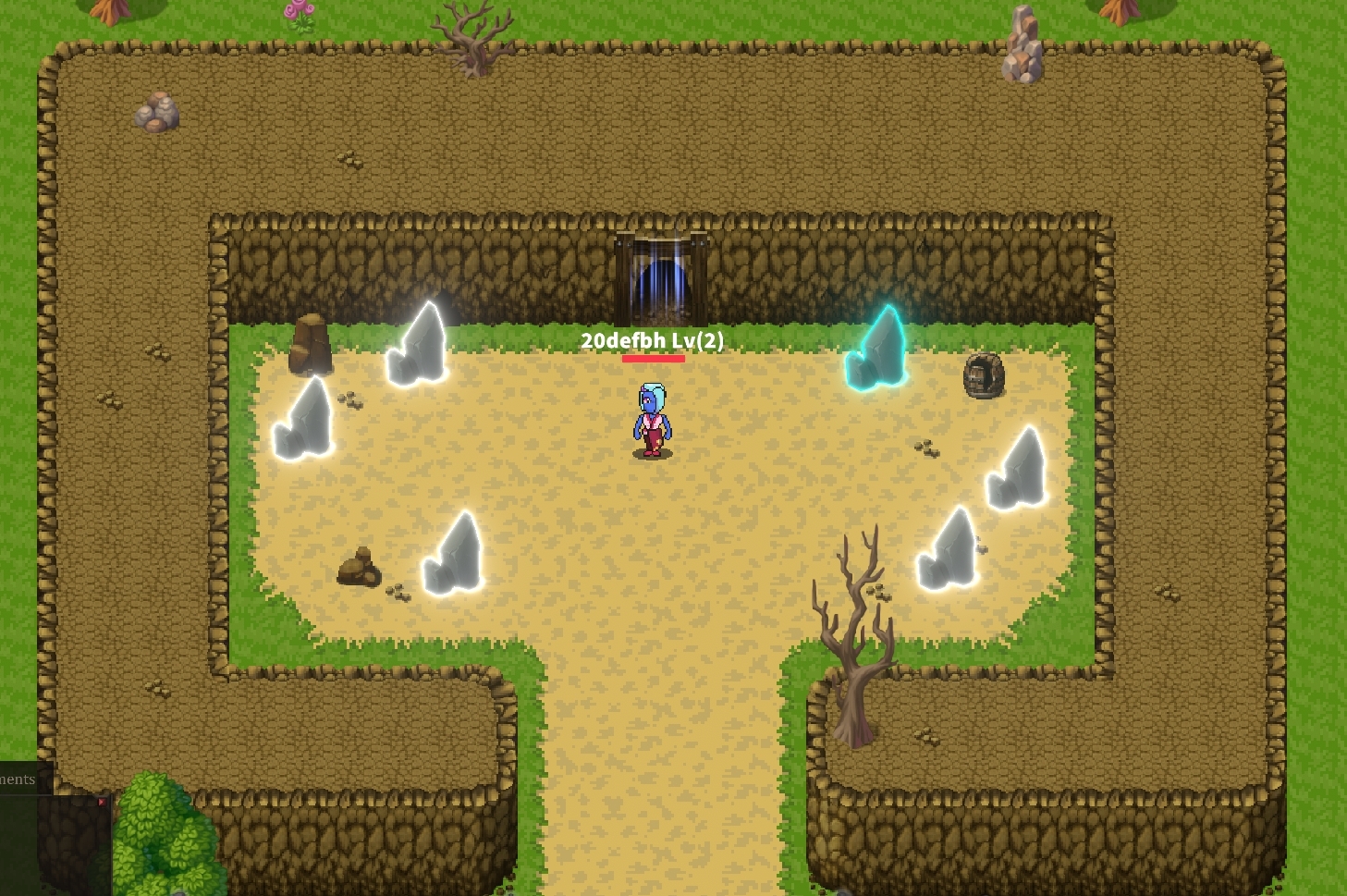
Step 1: Once you find a mining node all you have to do is click on it.

<figure><img src="https://3119922766-files.gitbook.io/~/files/v0/b/gitbook-x-prod.appspot.com/o/spaces%2Fi5Qdo975WFbrbEz7sHdg%2Fuploads%2FS8lj8zwg6Od7zassYNUg%2Ffullminingphoto1.jpg?alt=media&amp;token=4783e210-c383-47c5-93b0-b74d0d01cfbc" alt=""><figcaption></figcaption></figure>

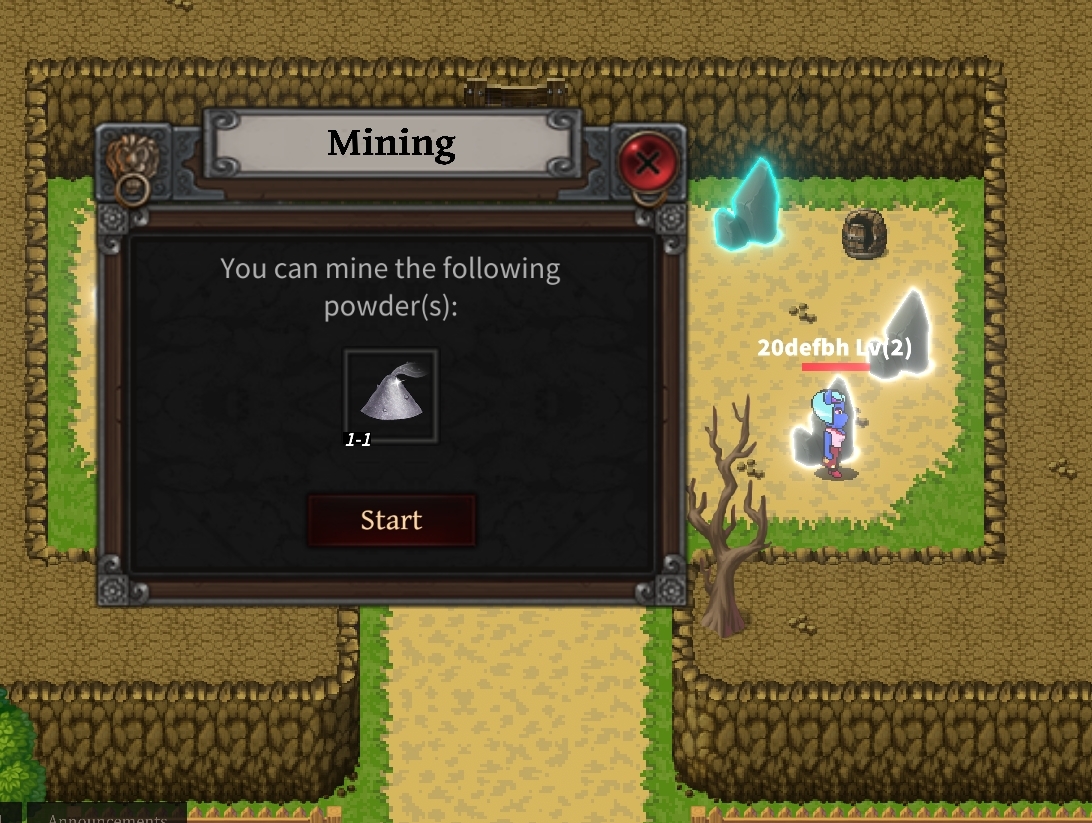
Step 2: If you mining level is high enough you'll see this popup, click start to begin and stop if you wish to exit the action.

<figure><img src="https://3119922766-files.gitbook.io/~/files/v0/b/gitbook-x-prod.appspot.com/o/spaces%2Fi5Qdo975WFbrbEz7sHdg%2Fuploads%2FoFn2WLTB94wvJJkBE4Ys%2Fminingpopup1.jpg?alt=media&amp;token=f6ca30e6-2395-49f7-b28a-1374b6123c1e" alt=""><figcaption></figcaption></figure>

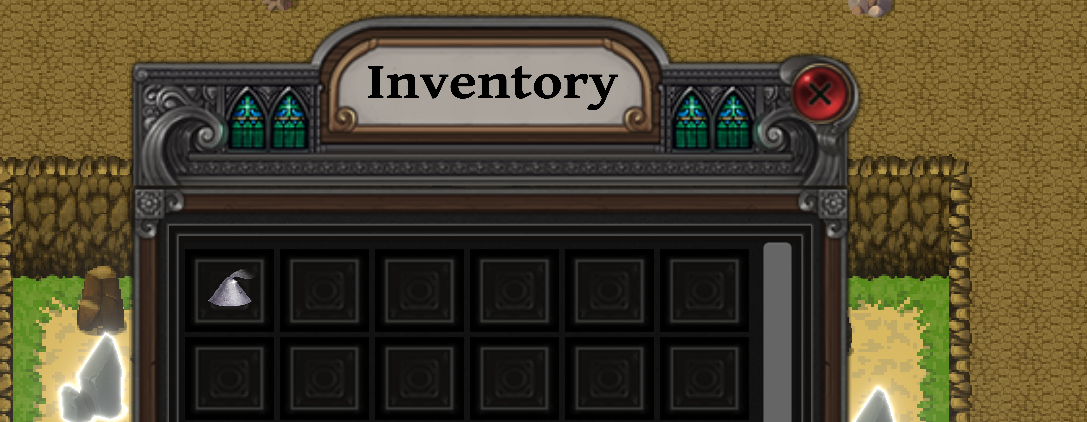
Step 3:  After the mining is complete you'll be awarded the dust of the rock you mined into your inventory.

<figure><img src="https://3119922766-files.gitbook.io/~/files/v0/b/gitbook-x-prod.appspot.com/o/spaces%2Fi5Qdo975WFbrbEz7sHdg%2Fuploads%2F6wkDEcGZ6VVDCJAFU0Eb%2Fdustinventory1.png?alt=media&amp;token=44edfd1a-efae-44d4-aa73-f527cefd58cb" alt=""><figcaption></figcaption></figure>

<figure><img src="https://3119922766-files.gitbook.io/~/files/v0/b/gitbook-x-prod.appspot.com/o/spaces%2Fi5Qdo975WFbrbEz7sHdg%2Fuploads%2FlgXzRNQrcNO0j1RLs4xV%2Fguideui.png?alt=media&amp;token=149b63d2-c302-49c7-9dd8-229cf00c670e" alt=""><figcaption></figcaption></figure>

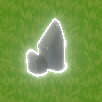
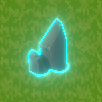
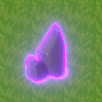
<mark style="color:green;">EXAMPLES</mark>

<div align="left"><figure><img src="https://3119922766-files.gitbook.io/~/files/v0/b/gitbook-x-prod.appspot.com/o/spaces%2Fi5Qdo975WFbrbEz7sHdg%2Fuploads%2F4U5YnzquNlaPZ3YBvJVX%2Fenchanted_rock1.png?alt=media&amp;token=154907b2-c3cb-4aa2-9ba0-d2aee2565385" alt=""><figcaption></figcaption></figure> <figure><img src="https://3119922766-files.gitbook.io/~/files/v0/b/gitbook-x-prod.appspot.com/o/spaces%2Fi5Qdo975WFbrbEz7sHdg%2Fuploads%2FoGDW1lK4aC1c027CQ2hU%2Fpulsating_rock1.png?alt=media&amp;token=a7cb3339-f813-4669-b626-96a944ab78f3" alt=""><figcaption></figcaption></figure> <figure><img src="https://3119922766-files.gitbook.io/~/files/v0/b/gitbook-x-prod.appspot.com/o/spaces%2Fi5Qdo975WFbrbEz7sHdg%2Fuploads%2Fg0Rrm3i5d4FOU13UIQ1k%2Fmythical_rock1.png?alt=media&amp;token=aa16728b-8a38-4ef0-a9ee-870f52fa8ea9" alt=""><figcaption></figcaption></figure></div>

Link to Wiki